Gaming Camera Access: Video Privacy Rights in Gaming
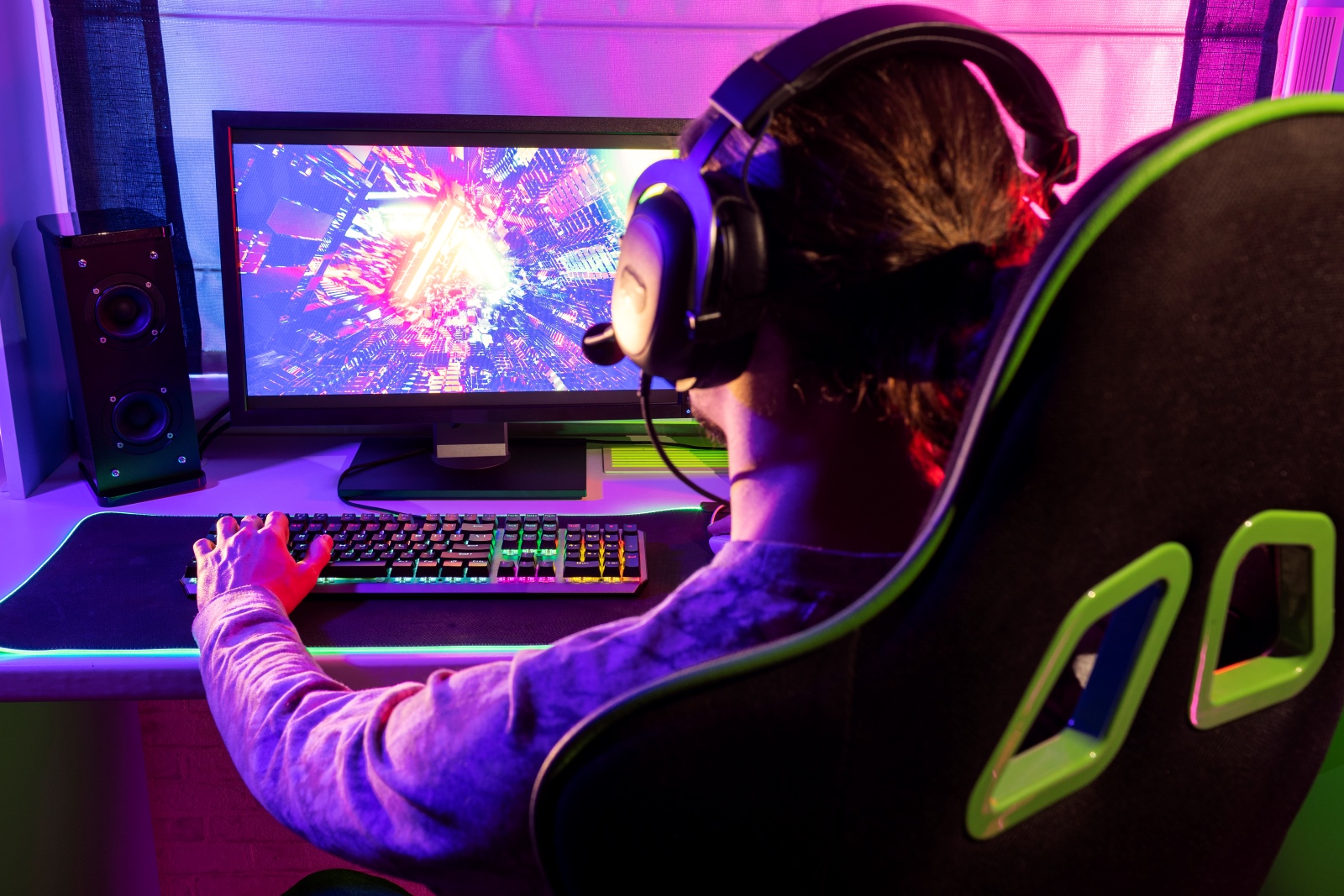
Imagine streaming your gameplay, lost in the virtual world, only to later discover that your most private moments have been inadvertently shared with thousands. The world of gaming is incredibly immersive, but with that immersion comes responsibility, especially when cameras are involved. What rights do you have, and how can you protect your privacy?
Many gamers are unaware of the potential vulnerabilities that come with using cameras during gameplay. The thought of unauthorized access to their video feeds, or even misuse of recorded footage, is a concern that often lingers in the back of their minds. Understanding the legal frameworks and practical steps to secure their gaming environment feels daunting and complex.
This article will explore your video privacy rights within the gaming sphere, providing practical advice on how to safeguard your personal space and data. We’ll delve into best practices for managing camera access, understanding platform policies, and exercising your rights as a gamer.
In the digital age, gaming has transcended mere entertainment, becoming a vibrant community where interactions are often broadcast live. However, this connectivity raises important questions about video privacy and camera access. Gamers need to be aware of their rights, the risks involved, and the tools available to protect themselves. We’ll cover platform policies, security measures, and legal aspects to empower you to game safely and responsibly, focusing on topics such as data protection, consent, and potential misuse of camera footage.
Understanding Your Rights as a Gaming Streamer
As a burgeoning streamer, I once enthusiastically embraced the idea of sharing every moment of my gameplay. I thought more content equaled a faster path to success. I excitedly set up my camera, showcasing my reactions and personality alongside my gaming skills. However, I quickly realized I hadn't fully considered the implications. One evening, while reviewing my past broadcasts, I noticed a few frames where sensitive information was briefly visible in the background. This realization jolted me awake to the risks involved. I hadn't thought about things like the layout of my room being on display or accidental disclosures of personal documents that might be in the frame. I felt incredibly vulnerable.
Understanding your rights as a gaming streamer is paramount to protecting your video privacy. In many jurisdictions, you have rights related to data protection, meaning you have the right to know how your personal data, including video footage, is being collected, used, and stored. For example, the General Data Protection Regulation (GDPR) in Europe grants individuals the right to access, rectify, and erase their personal data. Similarly, the California Consumer Privacy Act (CCPA) provides California residents with similar rights. In the context of gaming, this means you have the right to understand the privacy policies of streaming platforms and game developers and to request access to or deletion of your video data if necessary. You also have the right to consent to the use of your image and likeness, ensuring that your video footage is not used without your permission. Therefore, streamers must actively review the terms and conditions of the platforms they use, understand how their data is being handled, and take proactive steps to protect their privacy by adjusting camera settings, being mindful of their surroundings, and regularly reviewing their content for potential privacy breaches.
Best Practices for Securing Your Gaming Camera
Securing your gaming camera is a fundamental aspect of protecting your video privacy. This involves implementing various measures to prevent unauthorized access and misuse of your camera feed. One of the primary steps is to ensure that your camera software and firmware are up to date. Manufacturers regularly release updates to patch security vulnerabilities that could be exploited by hackers. By keeping your software current, you reduce the risk of unauthorized access. Additionally, it's essential to use strong, unique passwords for your camera and related accounts. Avoid using default passwords or passwords that are easy to guess. A strong password should include a mix of uppercase and lowercase letters, numbers, and symbols.
Another important practice is to disable the camera when it's not in use. Many cameras come with a physical shutter or the option to electronically disable the camera through software settings. Activating these features when you are not actively streaming or gaming can prevent accidental or unauthorized recording. Furthermore, be mindful of the permissions you grant to gaming software and streaming platforms. Review the privacy settings to understand what data the software is accessing and sharing. Limit the permissions to only what is necessary for the software to function correctly. Consider using a virtual camera software, which allows you to select what the camera shows, even masking your background. By implementing these best practices, you can significantly enhance the security of your gaming camera and protect your video privacy.
The Evolving Landscape of Gaming Privacy Laws
The history of gaming privacy is relatively short, but incredibly impactful. Initially, with local multiplayer gaming, privacy concerns were limited to who could see your screen. The rise of online gaming introduced new issues as players started sharing personal information and interacting with strangers. The first generation of gaming privacy laws focused primarily on data protection for minors, emphasizing parental controls and restricting the collection of children's personal data. As streaming and esports gained popularity, the landscape of gaming privacy began to evolve rapidly. Regulations started to address the use of biometric data, such as facial recognition and voice analysis, within games and the potential for misuse of this data.
Many myths surround gaming privacy. One common myth is that gaming platforms are entirely responsible for protecting your privacy. While platforms do have a responsibility, gamers also need to take proactive steps to secure their own data and understand their rights. Another myth is that privacy laws are too complex to understand. While legal frameworks can be intricate, resources are available to help gamers understand their rights and responsibilities. For instance, organizations like the Electronic Frontier Foundation (EFF) provide valuable information and guidance on digital privacy. Gaming privacy laws continue to evolve to address new challenges and technologies. Staying informed about the latest developments in gaming privacy laws is essential for gamers and industry professionals alike to ensure a safe and responsible gaming environment.
Unveiling the Hidden Secrets of Gaming Camera Security
One of the hidden secrets of gaming camera security is the vulnerability of default settings. Many cameras and gaming software come with default settings that prioritize ease of use over security. For instance, the default password for a camera might be widely known, making it easy for hackers to gain access. Similarly, default privacy settings may allow for excessive data collection or sharing. Another hidden aspect is the potential for vulnerabilities in third-party plugins and add-ons. These tools can enhance the functionality of your camera or gaming software, but they can also introduce security risks if they are not properly vetted. Before installing any third-party plugin, research the developer's reputation and read reviews to ensure that the plugin is secure and does not collect excessive data.
Gamers should also be aware of the metadata embedded in their video files. Metadata can include information such as the date, time, and location where the video was recorded, as well as the camera settings. This information can potentially be used to identify the streamer or reveal sensitive details about their location. It's essential to remove metadata from your video files before sharing them online. Tools are available to scrub metadata, ensuring your privacy is protected. Exploring these hidden secrets of gaming camera security can help you take proactive steps to safeguard your personal information and create a more secure gaming environment.
Recommendations for Protecting Your Gaming Privacy
Protecting your gaming privacy requires a multi-faceted approach that involves both technical and behavioral measures. One of the primary recommendations is to regularly review and adjust your privacy settings on gaming platforms and social media accounts. Take the time to understand what data is being collected and shared and adjust the settings to align with your privacy preferences. Enable two-factor authentication (2FA) on your accounts to add an extra layer of security. 2FA requires you to provide a second form of verification, such as a code sent to your phone, in addition to your password. This makes it much harder for hackers to gain access to your accounts, even if they have your password.
Be cautious about the information you share online, particularly on gaming forums and social media. Avoid sharing personal details such as your address, phone number, or date of birth. Consider using a virtual private network (VPN) when gaming online. A VPN encrypts your internet traffic and masks your IP address, making it harder for others to track your online activity. When streaming, be mindful of your surroundings and avoid displaying sensitive information in the background. This could include personal documents, bank statements, or family photos. Educate yourself about your rights as a gamer and stay informed about the latest privacy threats and best practices. By following these recommendations, you can significantly reduce your risk and create a safer gaming environment.
Understanding Platform Policies on Camera Usage
Each gaming and streaming platform has its own policies regarding camera usage, data collection, and user privacy. Understanding these policies is crucial to protecting your rights and ensuring that you are using the platform responsibly. For instance, Twitch, You Tube, and Facebook Gaming have specific guidelines about the types of content that are allowed on their platforms, including rules about privacy and security. These guidelines often prohibit the sharing of personally identifiable information (PII) without consent and the unauthorized recording or distribution of video footage. Platforms also outline how they collect, use, and share user data, including video footage and metadata.
Understanding how your data is being used is essential for making informed decisions about your privacy. Platforms typically have mechanisms for reporting violations of their policies, such as harassment, unauthorized recording, or privacy breaches. If you believe that your privacy has been violated on a platform, it's important to report the incident to the platform's support team. Regularly review the platform's privacy policy and terms of service to stay informed about any changes. Platforms may update their policies periodically, so it's important to stay up to date. By understanding the platform's policies and taking proactive steps to protect your privacy, you can ensure that you have a safe and enjoyable gaming experience.
Tips for Managing Camera Access and Permissions
Managing camera access and permissions is a critical aspect of protecting your video privacy while gaming. Start by regularly reviewing the apps and software on your computer or gaming console that have access to your camera. On Windows, you can check and manage camera permissions in the Settings app under Privacy > Camera. Similarly, on mac OS, you can find these settings in System Preferences > Security & Privacy > Privacy > Camera. For gaming consoles like Play Station and Xbox, you can manage camera permissions in the settings menu under privacy or security settings. Revoke access from any apps or software that you no longer use or that you don't trust.
Consider using a camera cover or disabling the camera when it's not in use. A physical camera cover can provide peace of mind by preventing accidental or unauthorized recording. For built-in cameras on laptops, you can often disable the camera in the device manager or system settings. Be cautious about granting camera access to websites and web apps. When a website asks for camera access, carefully consider whether the request is legitimate and necessary. Only grant access to trusted websites and avoid granting access to websites that seem suspicious. By carefully managing camera access and permissions, you can significantly reduce your risk of unauthorized recording or privacy breaches.
Recognizing Signs of Camera Hacking or Misuse
Recognizing the signs of camera hacking or misuse is crucial for taking prompt action to protect your privacy. One of the most common signs is unexpected camera activity. If you notice that your camera light is on when you are not actively using it, or if your computer or gaming console is recording video without your knowledge, it could be a sign that your camera has been hacked. Another sign is unfamiliar programs or processes running on your computer or gaming console. Hackers may install malware or other software to gain control of your camera. Use antivirus or antimalware software to scan your system for suspicious programs and remove them immediately.
Keep an eye out for strange network activity. If you notice that your internet bandwidth is being used excessively when you are not actively using the internet, it could be a sign that your camera is being accessed remotely. Check your router settings to see if there are any unauthorized devices connected to your network. Be aware of phishing scams and suspicious emails or messages. Hackers may use phishing techniques to trick you into clicking on malicious links or downloading malware that can compromise your camera security. If you suspect that your camera has been hacked, take immediate steps to secure your system. Disconnect your computer or gaming console from the internet, change your passwords, and run a full system scan with antivirus software. You may also want to consider contacting a cybersecurity professional for assistance.
Fun Facts About Gaming Camera Access and Privacy
Did you know that the first webcam was invented in 1991 at the University of Cambridge to monitor a coffee pot? Researchers wanted to avoid trips to the coffee pot only to find it empty, so they set up a camera to check its status remotely. This simple invention paved the way for the widespread use of webcams in gaming and other applications. Another fun fact is that some hackers have been known to use gaming cameras to spy on users and gather personal information. By exploiting vulnerabilities in camera software or firmware, hackers can gain access to the camera feed and record video and audio without the user's knowledge.
Some games have incorporated camera-based features for innovative gameplay experiences. For example, some games use facial recognition technology to track the player's emotions and adjust the game's difficulty or storyline accordingly. While these features can enhance the gaming experience, they also raise privacy concerns about the collection and use of biometric data. Many gamers use camera filters and virtual backgrounds to protect their privacy while streaming. These tools allow gamers to mask their surroundings and avoid revealing personal information in the background. Streaming platforms are starting to introduce more privacy-focused features to help protect gamers' privacy. For example, some platforms offer options to blur the background or hide sensitive information from the camera feed. These fun facts highlight the importance of staying informed about the privacy risks and opportunities associated with gaming camera access.
How to Report a Privacy Breach on a Gaming Platform
If you experience a privacy breach on a gaming platform, it's essential to take swift action to mitigate the damage and report the incident to the appropriate authorities. Start by documenting the breach. Take screenshots or record video of the evidence, including the date, time, and specific details of the incident. This documentation will be helpful when reporting the breach to the gaming platform and law enforcement. Next, contact the gaming platform's support team immediately. Most platforms have a dedicated support channel for reporting privacy breaches. Provide them with all the relevant details, including the documentation you have collected.
Consider notifying law enforcement, especially if the breach involves identity theft, financial fraud, or other serious crimes. The police can investigate the incident and potentially prosecute the perpetrators. If the privacy breach involves the misuse of your personal data, consider reporting it to your country's data protection authority. For example, in the United States, you can report privacy breaches to the Federal Trade Commission (FTC). After reporting the breach, take steps to protect your accounts and personal information. Change your passwords on all your accounts, especially those associated with the gaming platform. Monitor your credit reports and bank statements for any signs of fraudulent activity. By taking these steps, you can minimize the damage caused by the privacy breach and help prevent similar incidents from happening in the future.
What If My Gaming Camera is Hacked?
Discovering that your gaming camera has been hacked can be a distressing experience, but it's crucial to remain calm and take immediate action to minimize the potential damage. First, disconnect your device from the internet immediately. This will prevent the hacker from accessing your camera feed and potentially stealing more data. Power down your computer or gaming console to prevent further unauthorized access. Next, run a full system scan with a reputable antivirus or antimalware program. This will help you identify and remove any malicious software that the hacker may have installed on your system.
Change all your passwords, especially those associated with your gaming accounts, email accounts, and social media accounts. Use strong, unique passwords for each account to prevent the hacker from gaining access to your other online accounts. Review your privacy settings on your gaming platforms and social media accounts. Check for any changes that the hacker may have made, such as altered privacy settings or unauthorized apps connected to your accounts. Contact the gaming platform's support team to report the hack and request assistance. They may be able to provide additional security measures or help you recover any lost data. Monitor your bank accounts and credit reports for any signs of fraudulent activity. If you notice any suspicious transactions, contact your bank or credit card company immediately. Finally, consider notifying law enforcement if the hack involved identity theft, financial fraud, or other serious crimes. Taking these steps can help you recover from the hack and protect yourself from future attacks.
Top 5 Ways to Enhance Your Gaming Camera Privacy
Here is a listicle for top 5 ways to enhance your Gaming Camera Privacy:
1. Use a Physical Camera Cover: A simple and effective way to prevent unauthorized access to your camera is to use a physical camera cover. These covers can be easily attached to your camera and slid open or closed as needed.
2. Regularly Review Camera Permissions: Take the time to review the apps and software on your computer or gaming console that have access to your camera. Revoke access from any apps or software that you no longer use or that you don't trust.
3. Keep Your Software Up to Date: Make sure that your camera software and firmware are up to date. Manufacturers regularly release updates to patch security vulnerabilities that could be exploited by hackers.
4. Use a Virtual Private Network (VPN): A VPN encrypts your internet traffic and masks your IP address, making it harder for others to track your online activity.
5. Be Mindful of Your Surroundings: When streaming, be mindful of your surroundings and avoid displaying sensitive information in the background. This could include personal documents, bank statements, or family photos.
Question and Answer about Gaming Camera Access: Video Privacy Rights in Gaming
Question 1: What are my rights regarding the use of my video footage on gaming platforms?
Answer: You have rights related to data protection, including the right to know how your personal data (video footage) is being collected, used, and stored. You also have the right to consent to the use of your image and likeness.
Question 2: How can I prevent unauthorized access to my gaming camera?
Answer: Keep your camera software and firmware up to date, use strong passwords, disable the camera when not in use, and be mindful of the permissions you grant to gaming software.
Question 3: What should I do if I suspect my gaming camera has been hacked?
Answer: Disconnect your device from the internet, run a full system scan with antivirus software, change your passwords, and notify the gaming platform's support team.
Question 4: What are the key things to look for in a gaming platform's privacy policy?
Answer: Look for information about how the platform collects, uses, and shares your data, including video footage. Pay attention to the terms regarding data retention, data security, and your rights to access, rectify, and erase your data.
Conclusion of Gaming Camera Access: Video Privacy Rights in Gaming
Protecting your video privacy while gaming requires a combination of awareness, proactive measures, and responsible behavior. By understanding your rights, implementing security best practices, and staying informed about the latest threats, you can create a safer and more enjoyable gaming environment. Remember to regularly review your privacy settings, use strong passwords, be mindful of your surroundings, and report any suspected privacy breaches. As gaming continues to evolve, staying vigilant about your privacy will be essential for ensuring that your personal information remains protected.
Post a Comment